Your icons, surrounded by bubbles
Keep using your desktop shortcuts and taskbar while fish swim behind them.
Interactive live wallpaper for Windows
Your aquarium can now become your desktop. Watch water fill the screen, feed your fish and change the underwater scenery while your desktop icons stay within reach.
Interactive live wallpaper for Windows
Turn your desktop into a living aquarium. Water flows out of the aquarium window and fills the screen, bringing your fish into a bigger underwater world.
Keep using your desktop shortcuts and taskbar while fish swim behind them.
Hold Ctrl and click in the aquarium to drop food. Watch your fish swim over for a bite.
Switch between the aquarium backgrounds in your collection to change the mood of your desktop.
Get Desktop Aquarium on Microsoft Store
More than decoration
Desktop Aquarium is designed to be noticed, not managed. Fish explore, feed and move through real depth while you work, study or take a quiet break.
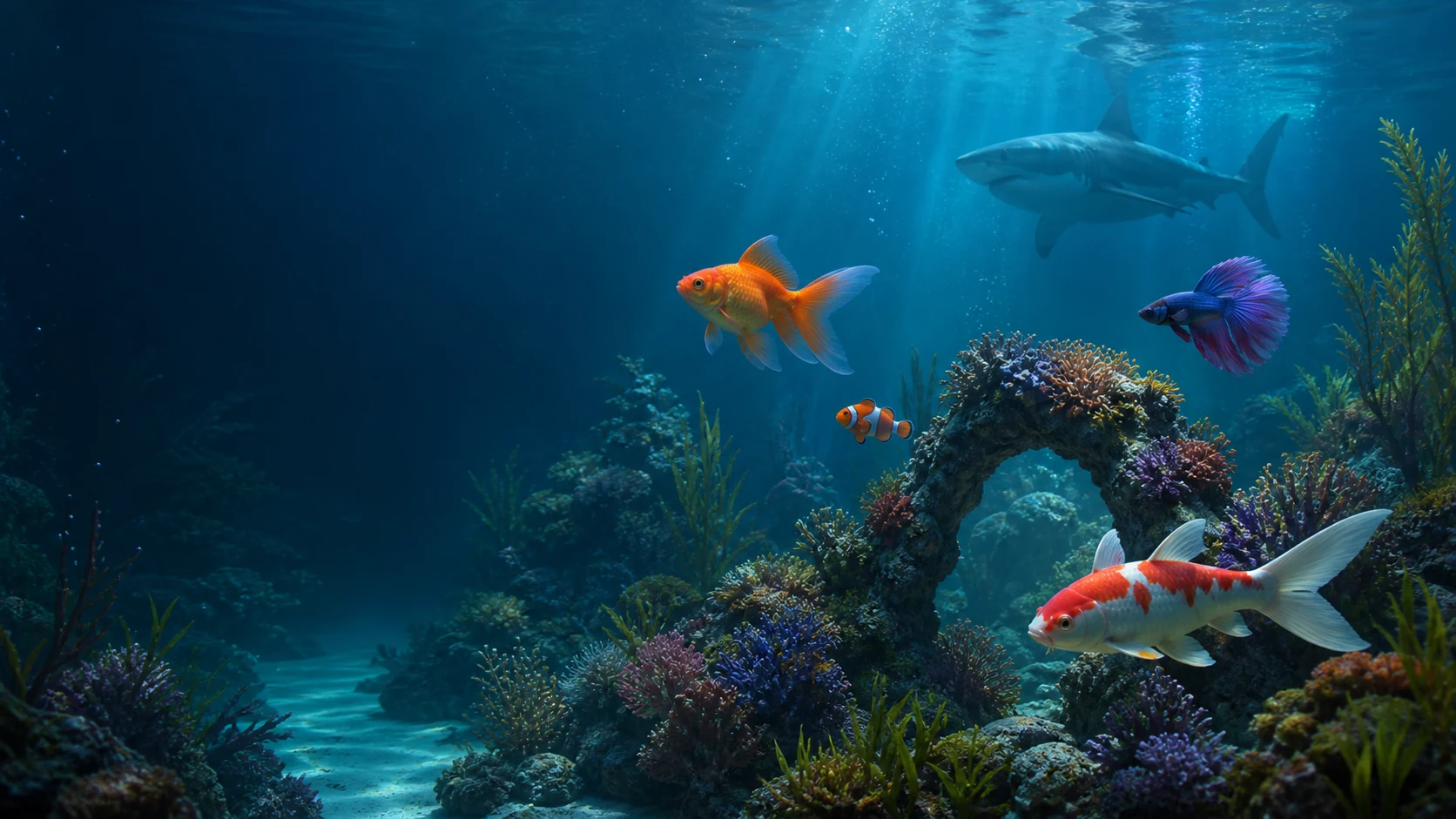
Keep the aquarium in a compact window or activate live wallpaper and let the water fill your desktop.
Built for quiet focus
Responsive behavior
Drop food and watch fish notice it, approach from different depths and compete for a bite. Leave them alone and they explore the habitat at their own pace.
Build your collection
Begin free, then make the aquarium yours with distinctive premium inhabitants. Every creature adds a different rhythm, silhouette and personality.

Opal color and calm, measured movement.
A bright jewel with a restless flowing tail.
Playful, curious and impossible to miss.
The apex resident that owns the depth.
Made for your desktop
Keep a small always-on-top aquarium beside notes, browsers and work.
Keep the aquarium in a compact window or activate live wallpaper and let the water fill your desktop.
No account required. Your aquarium is saved locally on the PC.
Questions
Yes. Download it free from Microsoft Store and begin with a living fish. Optional rare residents and other premium content are available inside the aquarium.
Both. Desktop Aquarium is an aquarium game with an interactive live wallpaper mode. Your icons and taskbar remain accessible. Hold Ctrl and click to feed your fish, or return to windowed mode whenever you want.
Desktop Aquarium is built for 64-bit Windows 10 and Windows 11 PCs.
No account is required and game progress is stored locally. Microsoft Store handles purchases and licensing.
Your quiet corner is waiting
Choose your underwater world, feed your fish and make your Windows desktop feel alive.
Download free fromMicrosoft Store